
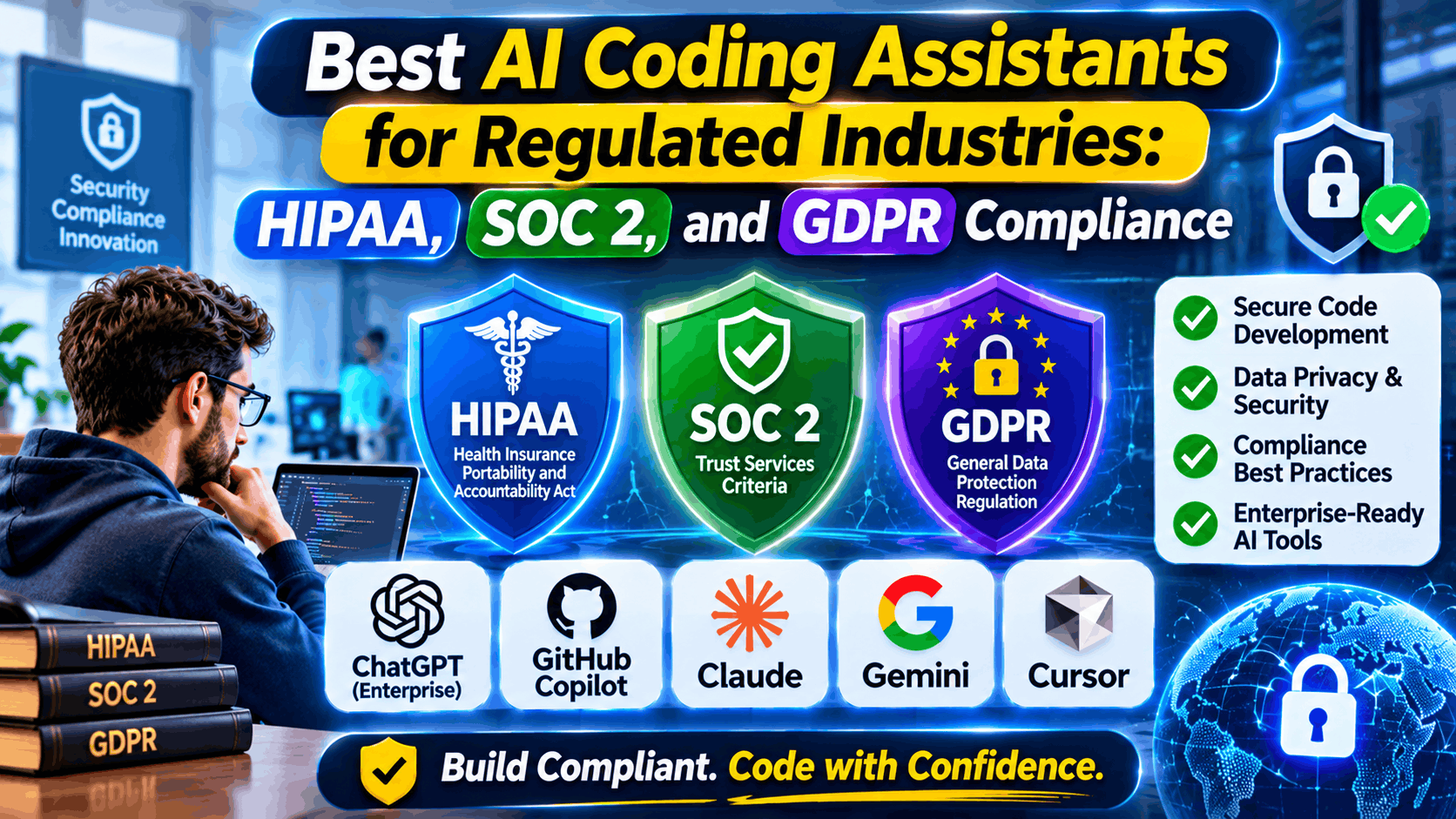
Compare AI coding assistants for HIPAA, SOC 2, and GDPR compliance in 2026. Learn data boundaries, agent limits, trade-offs, and safe workflows.
best AI coding assistants for regulated industries
Bringing an AI coding assistant into a regulated environment means looking past autocomplete speed and checking where your source code, prompts, and context indices actually go. If a developer debugging a production issue has a live log file or SQL dump open, sensitive payloads can slip out to external model endpoints before anyone notices. For teams handling SOC 2 audits, GDPR rules, or HIPAA obligations, the real checklist comes down to zero data retention, data residency, access controls, and contract coverage.
Agentic coding tools like Cursor and Claude Code push things even further by handling multi-file edits and shell commands across big codebases. They speed up refactoring and test writing, sure—but giving an agent broad file and terminal access widens your attack surface in regulated setups.
Why Regulated Teams Evaluate AI Coding Assistants Carefully
Engineering organizations across healthcare, financial services, public infrastructure, and enterprise SaaS seldom dismiss AI tooling outright, but they must operate within firm architectural boundaries and contractual obligations. A standard IDE plugin that streams open buffers, surrounding files, and terminal output to a multi-tenant cloud service introduces risks that go beyond generic code generation.
Three practical pressures drive evaluation criteria across global teams:
- Data retention and model training: Security teams need verifiable guarantees that proprietary source code, internal API schemas, and customer identifiers are not retained by default or used to train external models.
- Data residency and cross-border transfers: Under GDPR and regional data localization policies, routing prompts or repository embeddings through unapproved regions or subprocessors creates legal friction.
- Context leakage during live debugging: Even when synthetic test data is intended, developers working against staging or production-like fixtures can expose regulated records if context retrieval indexes raw data files or logs.
Top AI Coding Assistants for Regulated Workflows
1. GitHub Copilot (Business and Enterprise)
GitHub Copilot slots right into workflows already built around GitHub repos, pull requests, and IDEs. On Business and Enterprise plans, GitHub acts as a data processor rather than training on your commercial prompts and code suggestions, while giving you practical governance controls like policy management and code duplication checks.
- Strengths: Deep GitHub workflow integration, enterprise policy controls, and established third-party assurance alignment such as SOC 2 and ISO standards on commercial tiers.
- Limitations: Individual plans use different default data-handling configurations than commercial tiers; healthcare teams must verify contractual scope carefully rather than assuming all AI features are covered under a healthcare agreement.
- Licensing model: Paid per-seat subscription tiers (with separate individual and commercial organization plans). Check GitHub’s official website and pricing page for current plan tiers, enterprise terms, and regional pricing.
2. Sourcegraph Cody (Enterprise)
Sourcegraph Cody combines code graph context with configurable deployment models, making it attractive to organizations with strict perimeter and data-residency requirements. Enterprise deployments can pair repository permissions with bring-your-own model keys or private model endpoints and file/repository exclusion rules.
- Strengths: Fine-grained repository permission inheritance, file and path exclusion controls, and flexible deployment/endpoint options for teams guarding source code boundaries.
- Limitations: Self-hosted setups add operational maintenance overhead, and indexing broad repositories requires disciplined exclusion rules so sensitive fixtures or secrets are never indexed.
- Licensing model: Tiered subscription plans with custom enterprise licensing for self-hosted or advanced governance needs. Visit Sourcegraph’s official website and pricing page for current plans and enterprise quotes.
3. Tabnine
first when it comes to AI code help, giving engineering teams real flexibility over how they deploy it. If your team needs tight control over where models run and how source code gets handled, it offers setups built to keep everything right where you want it—even inside your own infrastructure.
- Strengths: Strong emphasis on privacy, administrative user controls, and private or isolated deployment options for strict internal security policies.
- Limitations: Requires careful alignment between chosen model backends, deployment topology, and team workflow expectations around multi-file generation.
- Licensing model: Subscription-based licensing across team and enterprise tiers, with custom enterprise deployment options. Check Tabnine’s official website and pricing page for current plans and quotes.
4. Amazon Q Developer
Amazon Q Developer integrates directly with AWS services, infrastructure-as-code workflows, and supported IDEs, making it practical for cloud teams building heavily on AWS. Commercial tiers provide stronger data-handling protections than entry-level tiers, along with identity and regional configuration options.
- Strengths: Native AWS cloud and infrastructure context, IAM/SSO integration, and clear distinctions between free and paid business/pro tiers.
- Limitations: Feature availability and regional data processing details vary by tier and service configuration, and teams running multi-cloud stacks may see tighter AWS coupling.
- Licensing model: Freemium entry tier alongside paid per-user business/pro subscription licensing. Review AWS’s official website and pricing page for current regional availability, limits, and pricing.
5. Cursor
Cursor offers an AI-native editor experience with multi-file editing and agentic workflows built on a familiar VS Code-compatible foundation. It provides Privacy Mode controls, enterprise security documentation, and administrative governance features aimed at engineering organizations.
- Limitations: Once an autonomous agent starts reading files, running terminal commands, or calling external tools, you need tight guardrails in place—otherwise developers can accidentally leak sensitive data or trigger unwanted commands in regulated environments.
- Licensing model: Freemium and paid per-user subscription plans across individual, team, and enterprise tiers. Visit Cursor’s official website and pricing page for current plan details and pricing.
6. Self-Hosted / Local Open-Weights Coding Stacks
Some regulated teams run local or VPC-hosted coding models (such as open-weights code models served internally behind an internal gateway) rather than relying solely on third-party SaaS assistants.
- Strengths: Complete network control, zero external prompt egress when kept strictly inside internal infrastructure, and full alignment with internal logging and retention rules.
- Limitations: Engineering teams bear the cost and responsibility of GPU/compute provisioning, model updates, latency tuning, and ongoing security patching.
- Licensing model: Varies by individual model license (open-source or permissive weights) plus underlying infrastructure and support costs. Check each model’s official license terms and your cloud or hardware provider’s pricing page for current costs.
| Option | Licensing Model | Core Strength | Limitations | Best Fit |
| GitHub Copilot (Business / Enterprise) | Paid per-seat subscription | GitHub ecosystem integration and enterprise policy controls | Plan-level differences; healthcare BAA boundaries require verification | Teams standardized on GitHub and enterprise governance |
| Sourcegraph Cody (Enterprise) | Subscription / custom enterprise | Permission-aware code context, exclusions, and deployment flexibility | Self-hosting overhead; index exclusions need careful upkeep | Large codebases with strict repo access and data boundaries |
| Tabnine | Paid subscription / custom enterprise | Privacy-focused workflows and private/isolated deployment options | Model and hosting choices shape agent depth | Security-conscious teams wanting private deployment options |
| Amazon Q Developer | Freemium + paid per-user tier | AWS service and IaC awareness with enterprise identity integration | Tier/region nuances; stronger fit for AWS-centric stacks | Cloud teams building primarily on AWS |
| Cursor | Freemium + paid per-user tiers | Multi-file editing, agent workflows, and enforceable Privacy Mode | Agentic file/command access needs strict workspace guardrails | Fast-moving product teams with enforced privacy policies |
| Self-Hosted / Local Coding Models | Model license + infrastructure cost | Maximum internal network and data-egress control | Higher ops burden, hardware cost, and model maintenance | Air-gapped or high-control environments with ML/infra capacity |
Can AI Be HIPAA Compliant, and Are AI Agents HIPAA Compliant?
In software engineering, compliance is never a toggle inside an IDE. Under HIPAA, protected health information (PHI) is governed by administrative, physical, and technical safeguards alongside a signed Business Associate Agreement (BAA) when a vendor creates, receives, maintains, or transmits PHI on behalf of a covered entity or business associate. A vendor having SOC 2 Type II or ISO 27001 does not automatically make a coding assistant or AI agent HIPAA-compliant.
AI coding assistants and coding agents can be used safely alongside HIPAA-regulated work only when two conditions are met:
- No unapproved PHI enters prompts, context, or logs: Developers should build and test with synthetic or properly de-identified data rather than pasting real patient records, clinical payloads, or production database dumps into IDE chats or agent contexts.
- Contractual and architectural alignment is verified: If any workflow touches real PHI—or if an AI agent is connected to live repositories, tickets, databases, or cloud environments containing PHI—you must confirm explicit BAA coverage for every service in the data path and enforce network and access controls.
AI agents heighten this risk because they can read multiple files, search logs, call external tools, and propose pull requests autonomously.
Practical Security, Privacy, and Governance Controls
Regulatory compliance holds up in audits when engineering teams pair vendor contracts with repeatable technical controls:
- Enforce enterprise/team tiers and disable training: Block unmanaged personal/free accounts on corporate workbenches, require SSO/SAML where supported, and verify that prompt/completion retention and model training are disabled.
- Exclude sensitive paths from indexing and context: Maintain ignore rules for .env files, credentials, certificates, database seeds, and sample data directories so assistants and agents do not index high-risk files.
- Apply least privilege to agents and MCP/tool integrations: Restrict agent filesystem and terminal permissions, avoid granting production credentials to coding agents, and require human review before merging pull requests or running infrastructure changes.
- Keep AI code in standard CI/CD security gates: Treat AI-generated code like any other contribution—run static application security testing (SAST), dependency/license checks, secret scanning, and peer code review before release.
- Align with GDPR and privacy-by-design: Document data flows, subprocessor lists, and retention windows, and avoid putting personal data or customer identifiers into prompts or debugging sessions.
Frequently Asked Questions
Is there an AI software that is HIPAA compliant?
No software is “HIPAA compliant” out of the box simply by installing it; compliance depends on how your organization configures the system, secures data flows, and signs a valid Business Associate Agreement (BAA) where required. For coding workflows, the safest standard practice is keeping real PHI out of prompts, context windows, and test fixtures while verifying contractual terms directly with each vendor.
What are the best AI assistants for coding?
The best option depends on your stack, security requirements, and workflow style rather than a single universal winner. Teams deep in GitHub often favor GitHub Copilot, organizations wanting tight context controls and flexible deployment look at Sourcegraph Cody or Tabnine, AWS-heavy teams evaluate Amazon Q Developer, and developers wanting agentic multi-file editing look at Cursor.
What AI agents are HIPAA compliant?
There is no blanket list of “HIPAA-compliant coding agents” because eligibility depends on specific commercial agreements, underlying model routing, data retention settings, and what data the agent can access. If an agent has access to repositories, logs, or APIs containing PHI, you must verify BAA coverage across the entire chain and restrict the agent’s data access before deployment.
What is the 30% rule in AI?
The “30% rule” in AI is an informal rule of thumb—not a law, regulation, or formal standard—most commonly framed as AI handling roughly 70% of routine or repetitive drafting while humans retain around 30% for judgment, review, and accountability (or the reverse in cautious rollouts). In regulated software engineering, fixed percentages matter less than placing deliberate human review checkpoints on security-sensitive, data-touching, and high-impact changes.
Which AI is best for industrial automation?
Industrial automation spans PLC/SCADA control logic, anomaly detection on telemetry, predictive maintenance, and vision inspection, where reliability and deterministic safety boundaries are paramount. Rather than a single consumer chat tool, engineering teams typically combine specialized industrial analytics platforms, deterministic control software, and carefully reviewed code or simulation assistants kept strictly isolated from live operational control networks.
Which platform is best for AI coding?
No single platform is best for every engineering team; the right choice depends on your IDE workflow, repository scale, model governance needs, and security boundaries. Evaluate candidates on real tasks from your own codebase—checking suggestion quality, context accuracy, admin controls, and how well they fit existing code review and CI checks.
Which AI tools are used in cybersecurity?
Cybersecurity teams use AI-assisted capabilities across threat detection, alert triage, log analysis, vulnerability discovery, and code security scanning, alongside traditional rule-based and deterministic detection engines. In secure software development, AI coding assistants are paired with dedicated SAST, secret scanners, and dependency analyzers so generated code is checked for vulnerabilities before reaching production.
Sources & Reference Points
- GitHub Copilot Documentation and Trust Center
- GitHub Data Protection Agreement and Product Terms
- Sourcegraph Cody Enterprise Security and Deployment Documentation
- Tabnine Enterprise Security and Compliance Documentation
- AWS Amazon Q Developer Documentation and Service Terms
- Cursor Security and Privacy Documentation
- HIPAA Security Rule and Business Associate Agreement Guidance
- Official EU GDPR Framework
- AICPA SOC 2 Trust Services Criteria